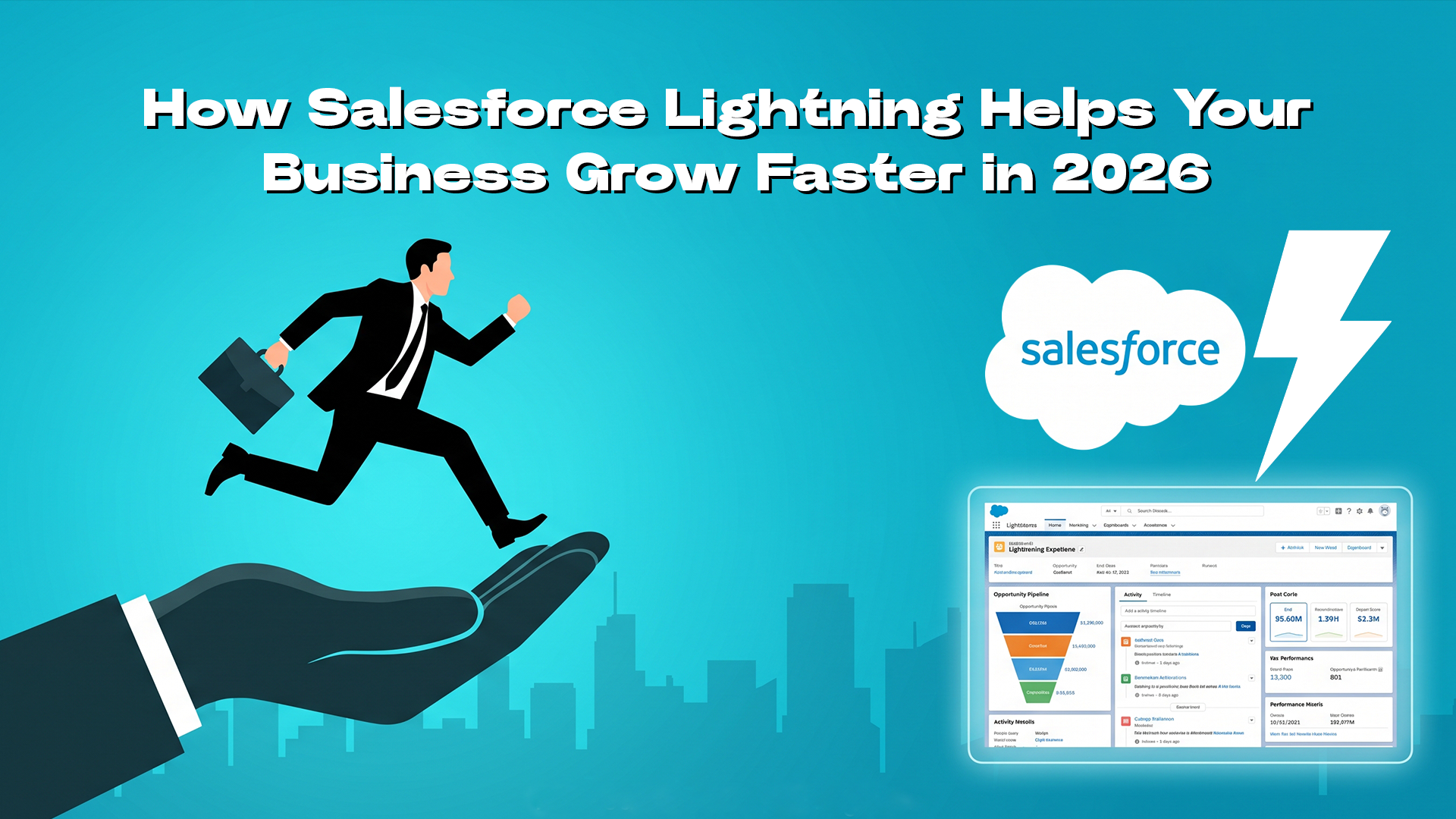
If your sales team is still running Salesforce Classic, you are leaving measurable revenue on the table. Companies that switched to Salesforce Lightning report a 41% jump, along with improved sales performance and faster workflows, based on Salesforce and third-party research by IDC and Forrester.
Salesforce closed FY2026 with $41.5 billion in revenue. The engine behind it? Lightning, now supercharged with Agentforce AI. This guide breaks down exactly how Lightning drives business growth in 2026, with real data, real examples, and zero fluff.
Contents
- 1 What is Salesforce Lightning?
- 2 What Is New in Spring ’26 and Summer ’26?
- 3 Salesforce Classic vs Salesforce Lightning
- 4 9 Proven Ways Salesforce Lightning Helps Your Business Grow Faster
- 4.1 1. Increase Team Productivity by Up to 41%
- 4.2 2. Automates Repetitive Sales Tasks With Lightning Flow
- 4.3 3. Delivers Agentic AI Through Agentforce
- 4.4 4. Makes Every Decision Smarter With Einstein AI
- 4.5 5. Cuts IT Development Time by 25%
- 4.6 6. Delivers Real-Time Reporting Managers Actually Use
- 4.7 7. Personalises Customer Experience at Scale
- 4.8 8. Provides Enterprise-Grade Security Built Into the Architecture
- 4.9 9. Future-Proofs Your CRM Against What Comes Next
- 5 Salesforce Lightning in Action: 5 Industry Use Cases
- 6 How to Migrate From Salesforce Classic to Lightning in 2026: 8 Steps
- 6.1 1. Run the Lightning Readiness Assessment
- 6.2 2. Conduct a Feature Gap Analysis
- 6.3 3. Update Security Settings
- 6.4 4. Plan a Phase-Based Rollout
- 6.5 5. Redesign Pages in App Builder
- 6.6 6. Upgrade to SLDS 2.0
- 6.7 7. Train Users on New Interaction Patterns
- 6.8 8. Enable Agentforce for Your Top Use Case
- 7 Ready to Grow Faster With Salesforce Lightning?
- 8 FAQs
- 8.1 What Are the 4 Types of Reports in Salesforce?
- 8.2 What Is the Use of Salesforce Lightning?
- 8.3 What Is Salesforce Lightning?
- 8.4 What Are the Benefits of Salesforce Lightning?
- 8.5 What Are Salesforce Limitations?
- 8.6 How to Migrate From Salesforce Classic to Lightning?
- 8.7 What Is the Difference Between Salesforce Classic and Salesforce Lightning?
- 8.8 Is Salesforce Lightning Free to Use?
- 8.9 Does Salesforce Lightning Work on Mobile Devices?
What is Salesforce Lightning?
Salesforce Lightning is the modern CRM platform that replaced the legacy Classic interface. It is not just a new look, it is a full development framework, an AI layer, and a user experience built for how sales teams actually work today.
It operates across three distinct layers:
- Lightning Experience: The redesigned, drag-and-drop UI with activity timelines, kanban views, and mobile-first design.
- Lightning Platform: App Builder, Flow automation, and Apex development tools that let admins and developers build without friction.
- Lightning Web Components (LWC): Reusable, standards-based front-end components.
What Is New in Spring ’26 and Summer ’26?
Salesforce keeps getting better with each release, and the Spring ’26 and Summer ’26 updates bring smarter features and an improved experience for businesses. Here’s what’s new:
- SLDS 2.0 — Generally Available: Dark mode, redesigned components, improved Visualforce compatibility.
- AI Content Summarizer in App Builder: Drop AI-generated summaries onto any record page, no separate assistant pane needed.
- Agentforce Builder (Beta): Build and deploy AI agents visually, directly from inside Lightning. 2026
- Lightning Out 2.0: Embed Lightning components in external portals and third-party apps via OAuth 2.0.
- TypeScript support for LWC: Enterprise-grade development with full type safety.
Salesforce Classic vs Salesforce Lightning
One of the most searched questions in the Salesforce ecosystem is whether the migration is worth it. Here is the definitive answer in one table.
| Feature | Salesforce Classic | Salesforce Lightning |
|---|---|---|
| User Interface | Text-heavy, rigid layout | Modern drag-and-drop, dark mode (SLDS 2.0) |
| Mobile Support | Limited, not app-native | Fully responsive, native iOS & Android app |
| AI Capabilities | None | Einstein AI + Agentforce natively embedded |
| Automation | Basic workflow rules only | Lightning Flow + autonomous Agentforce agents |
| App Building | Developer-dependent, code-heavy | No-code App Builder + LWC components |
| Security | Basic role hierarchy | Locker Service, LWS Trusted Mode, OAuth 2.0 |
| Reporting | Manual refresh, standard only | Real-time dashboards, reference lines, and AI summaries |
| Release Cadence | No new features — frozen roadmap | 3 automatic releases per year |
The bottom row is the most important one. Salesforce’s entire product roadmap, every AI advance, every automation upgrade, every new feature, ships to Lightning exclusively. Classic is supported but not developed.
9 Proven Ways Salesforce Lightning Helps Your Business Grow Faster
Here’s how Salesforce Lightning helps your business work better and grow faster:
1. Increase Team Productivity by Up to 41%
The Activity Timeline puts every call, email, meeting, and task on one page. Kanban views let reps manage their pipeline visually without running a single report. Customisable home pages surface only the data each role needs. The result is less clicking, less context-switching, and more time actually selling.
41% Productivity boost reported by companies switching from Classic to Lightning, including brands like T-Mobile, Seagate, and Penske Logistics.
2. Automates Repetitive Sales Tasks With Lightning Flow
Sales Path guides reps through every pipeline stage automatically, surfacing the right fields, coaching tips, and next-step prompts at the right moment. Lightning Flow handles approvals, notifications, and task creation without any developer involvement.
3. Delivers Agentic AI Through Agentforce
Agentforce embeds AI agents directly inside Lightning pages. These are not chatbots; they are autonomous digital workers that handle tasks without waiting to be prompted. Agentforce Sales Coach lets managers preview coaching scenarios before deploying to reps. Agentforce Account Management AI surfaces deep account research directly on record pages before every call.

4. Makes Every Decision Smarter With Einstein AI
Einstein Opportunity Insights scores deals by close probability and flags at-risk opportunities before they slip. Einstein Forecasting predicts pipeline outcomes with AI accuracy. Einstein Account Insights builds expanded customer profiles for personalised outreach.
Spring ’26 added a meaningful upgrade: Einstein Conversation Insights (ECI) data is now available inside standard Salesforce reports, Flow, and Apex. Call content, what was said, and what objections came up, can now trigger automated follow-up workflows.
5. Cuts IT Development Time by 25%
Lightning App Builder lets admins build and modify record pages in minutes, no developer ticket, no sprint, no deployment window. Salesforce reports a 25% reduction in the time developers spend on customisations when working in Lightning versus Classic.
Lightning Out 2.0 goes further, letting teams embed Lightning components into external portals and customer-facing tools via OAuth 2.0. SLDS 2.0, now generally available, eliminates the need to maintain separate dark mode styling overrides.
6. Delivers Real-Time Reporting Managers Actually Use
Classic dashboards require manual refreshes. Lightning dashboards update in real time, current pipeline value, current-week activity, current quota attainment, all visible the moment a manager opens their home page.
Winter ’26 added reference lines to Lightning Dashboard charts, a horizontal line drawn directly on a chart to show quota, a target, or a threshold. Small feature, large practical impact: every pipeline chart now shows performance relative to the goal, not just performance in isolation.
7. Personalises Customer Experience at Scale
Einstein Account Insights builds customer profiles automatically, buying signals, stakeholder changes, and relevant news surfaced on Lightning record pages before every interaction. Lightning Customer Community enables branded self-service portals with rich media and peer forums, all connected directly to CRM records.
Wiley’s 40% self-service efficiency improvement was achieved through Agentforce handling routine queries autonomously inside Lightning, freeing human agents for complex, high-value interactions while improving the customer experience simultaneously.
Our Salesforce consultants can map Lightning’s capabilities to your specific workflow — no obligation.
8. Provides Enterprise-Grade Security Built Into the Architecture
Locker Service isolates Lightning components from cross-namespace interference. Lightning Web Security Trusted Mode controls navigation paths for third-party scripts. Multi-factor authentication, field-level security, role-based access, and encryption at rest are all native and included.
Two important 2026 security changes: session ID authentication for outbound messages was retired in early 2026, OAuth 2.0 is now required. External Client Apps replaced legacy Connected Apps in Spring ’26, delivering improved permission scoping and cleaner audit trails.
9. Future-Proofs Your CRM Against What Comes Next
Three automatic Salesforce releases per year, Winter, Spring, Summer, mean a Lightning org today is measurably better than it was six months ago. No upgrade projects. No migration budgets. Innovation arrives automatically.
Salesforce Lightning in Action: 5 Industry Use Cases
Here’s how businesses across different industries are using Salesforce Lightning in real life:
1. Financial Services & Banking
Lightning automates compliance checks and real-time pipeline forecasting for banks and advisory firms. Agentforce handles routine client queries, freeing advisors for complex, revenue-generating conversations. Einstein Forecasting identifies at-risk accounts before they churn.
2. Healthcare & Life Sciences
Custom Lightning workflows manage patient onboarding, referral routing, and service case assignment. Locker Service and role-based access satisfy HIPAA requirements natively, without third-party tools. App Builder lets clinical teams customise their record views without involving IT.
3. Retail & E-Commerce
SharkNinja deployed Agentforce via Lightning in eight weeks and handled 250,000 customer engagements across its first holiday season. Real-time Lightning dashboards give operations teams simultaneous visibility into orders, inventory, and service queues. One e-commerce implementation study found a 40% improvement in customer engagement after a Lightning migration.
4. Education Services
Wiley used Agentforce on Lightning to handle peak registration periods without additional staffing, achieving a 40% improvement in self-service efficiency and reducing the cost per student interaction. Custom dashboards give advisors a single view of the student journey from prospect to alumni.
5. Professional Services & Consulting
One consulting firm generated 998% ROI in 18 months after a full Salesforce implementation, tripling lead generation through better pipeline visibility and automated follow-up. Lightning App Builder enabled custom project-tracking dashboards without ongoing developer spend.
How to Migrate From Salesforce Classic to Lightning in 2026: 8 Steps
The migration question is not whether, it is when and how. Classic’s roadmap is frozen. Every month on Classic is a month without Einstein, Agentforce, modern automation, and the three annual releases that arrive automatically.
1. Run the Lightning Readiness Assessment
Salesforce’s built-in audit tool scans your org for compatibility issues and produces a prioritised list of items to address before migration.
2. Conduct a Feature Gap Analysis
Identify the Classic features your team uses most. The list of Lightning-exclusive features grows every release, know your specific gaps before you start.
3. Update Security Settings
Migrate from session ID to OAuth 2.0 for outbound messages (required under Spring ’26 guidelines). Move from legacy Connected Apps to External Client Apps.
4. Plan a Phase-Based Rollout
Start with a pilot team using Permission Sets. Gather feedback and refine before expanding to the full organisation.
5. Redesign Pages in App Builder
Use Lightning App Builder to recreate key record pages. Treat this as an opportunity to clean up legacy clutter and surface only what each role needs.
6. Upgrade to SLDS 2.0
Apply the updated design system styling hooks and enable dark mode for custom-branded environments. SLDS 2.0 is generally available as of 2026.
7. Train Users on New Interaction Patterns
Focus training on Activity Timeline, Kanban views, and the home page widget system. Behavioural adoption is the biggest migration risk. not the technical work.
8. Enable Agentforce for Your Top Use Case
Start with one high-volume use case, typically customer service routing, sales coaching, or account research. Measure outcomes, then expand.
Ready to Grow Faster With Salesforce Lightning?
Still on Classic? Here is what your competitors already have that you do not: real-time AI insights, autonomous agents handling routine work, and three automatic upgrades per year.
At Innovadel Technologies, our certified Salesforce architects help businesses plan, migrate, and get full ROI from Lightning — without the guesswork. Book a free consultation and we will map Lightning’s capabilities to your specific workflow.
FAQs
What Is the Use of Salesforce Lightning?
Salesforce Lightning is used to improve productivity, automate tasks, and provide better data insights. It helps teams manage sales, service, and operations efficiently with a modern interface, AI tools, and customizable dashboards.
What Is Salesforce Lightning?
Salesforce Lightning is a modern interface and framework within Salesforce CRM. It provides a faster, more user-friendly experience with advanced features like drag-and-drop tools, automation, and AI-powered insights for better business performance
What Are the Benefits of Salesforce Lightning?
Salesforce Lightning improves productivity, enhances user experience, supports automation, and offers better analytics. It also allows easy customization, faster workflows, and integration with AI tools, helping businesses make smarter decisions and grow faster.
What Are Salesforce Limitations?
Salesforce can be expensive for small businesses, requires training, and may need technical expertise for customization. Performance can slow with heavy data, and over-customization may increase complexity and maintenance costs.
How to Migrate From Salesforce Classic to Lightning?
Start with a readiness check, identify gaps, train users, and use the Lightning Migration Assistant. Gradually move features, test workflows, and switch users in phases to ensure a smooth and successful transition.
What Is the Difference Between Salesforce Classic and Salesforce Lightning?
Classic is Salesforce’s original interface — built before mobile, AI, and component-based development existed. Lightning is the modern platform rebuilt from the ground up with a responsive UI, an AI layer (Einstein and Agentforce), drag-and-drop customisation, and three automatic releases per year. Classic is still supported but receives no new features. Every new Salesforce capability ships exclusively to Lightning.
Is Salesforce Lightning Free to Use?
Lightning Experience is included in all current Salesforce subscription tiers — it is not a paid upgrade from Classic. Advanced features like Einstein AI scoring and Agentforce agents are available on higher-tier plans or as add-ons, priced on a per-user-per-month basis. Running the Lightning Readiness Assessment costs nothing and is available to all existing Salesforce customers.
Does Salesforce Lightning Work on Mobile Devices?
Yes. Lightning is designed mobile-first. The Salesforce mobile app provides a native iOS and Android experience built on the Lightning platform, with full access to data, workflows, and customisations. Classic had a mobile interface, but it was limited in functionality and not designed for primary use on a phone or tablet.
References
- https://investor.salesforce.com/news/news-details/2026/Salesforce-Delivers-Record-Fourth-Quarter-Fiscal-2026-Results/default.aspx
- https://www.subscriptioninsider.com/article-type/news/salesforce-fy2026-results-show-subscription-led-revenue-base-as-agentforce-becomes-a-fast-growing-layer
- https://developer.salesforce.com/blogs/2026/03/harness-lightning-experience-insights-to-improve-performance
- https://www.salesforce.com/ap/campaign/lightning/